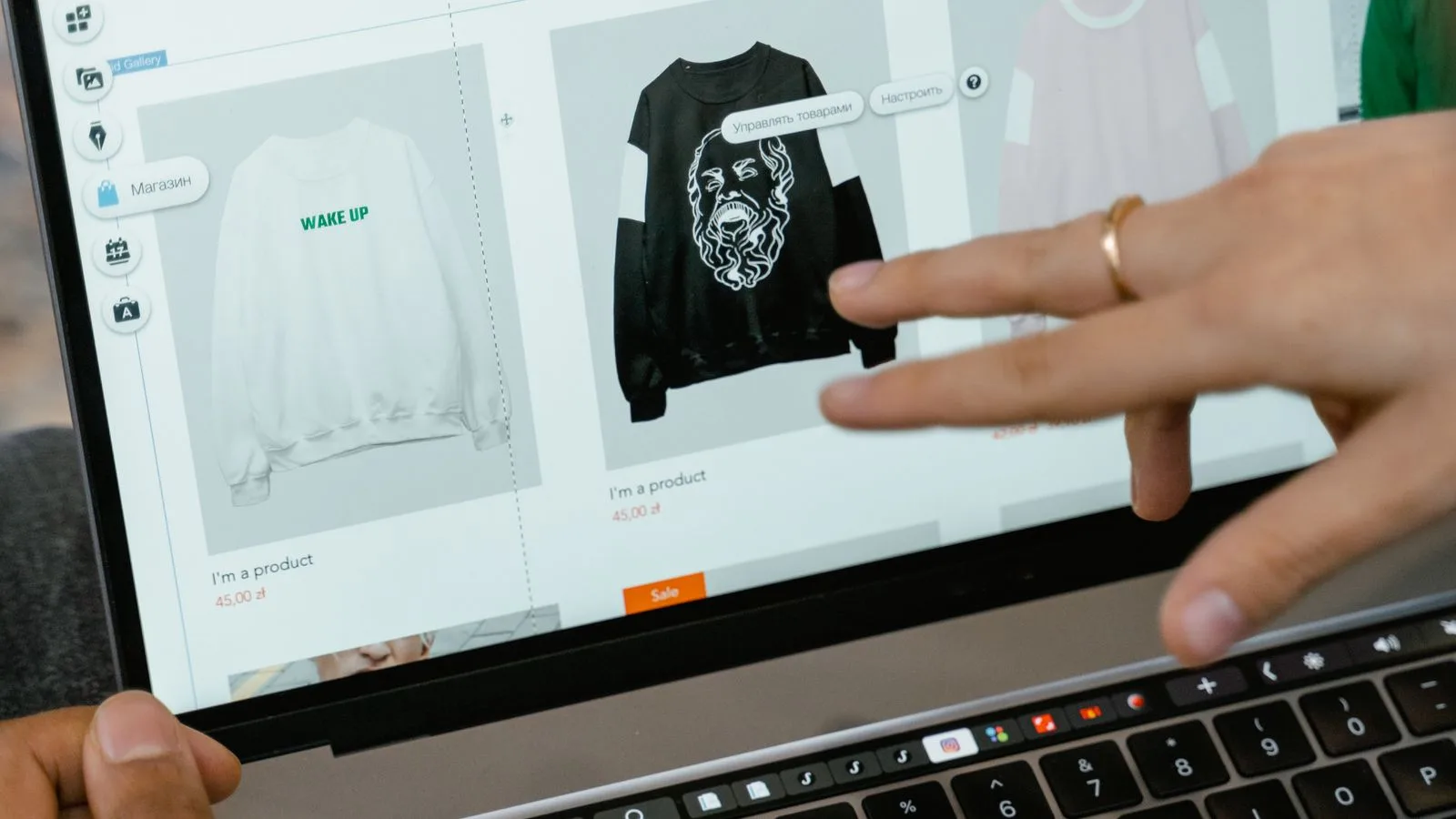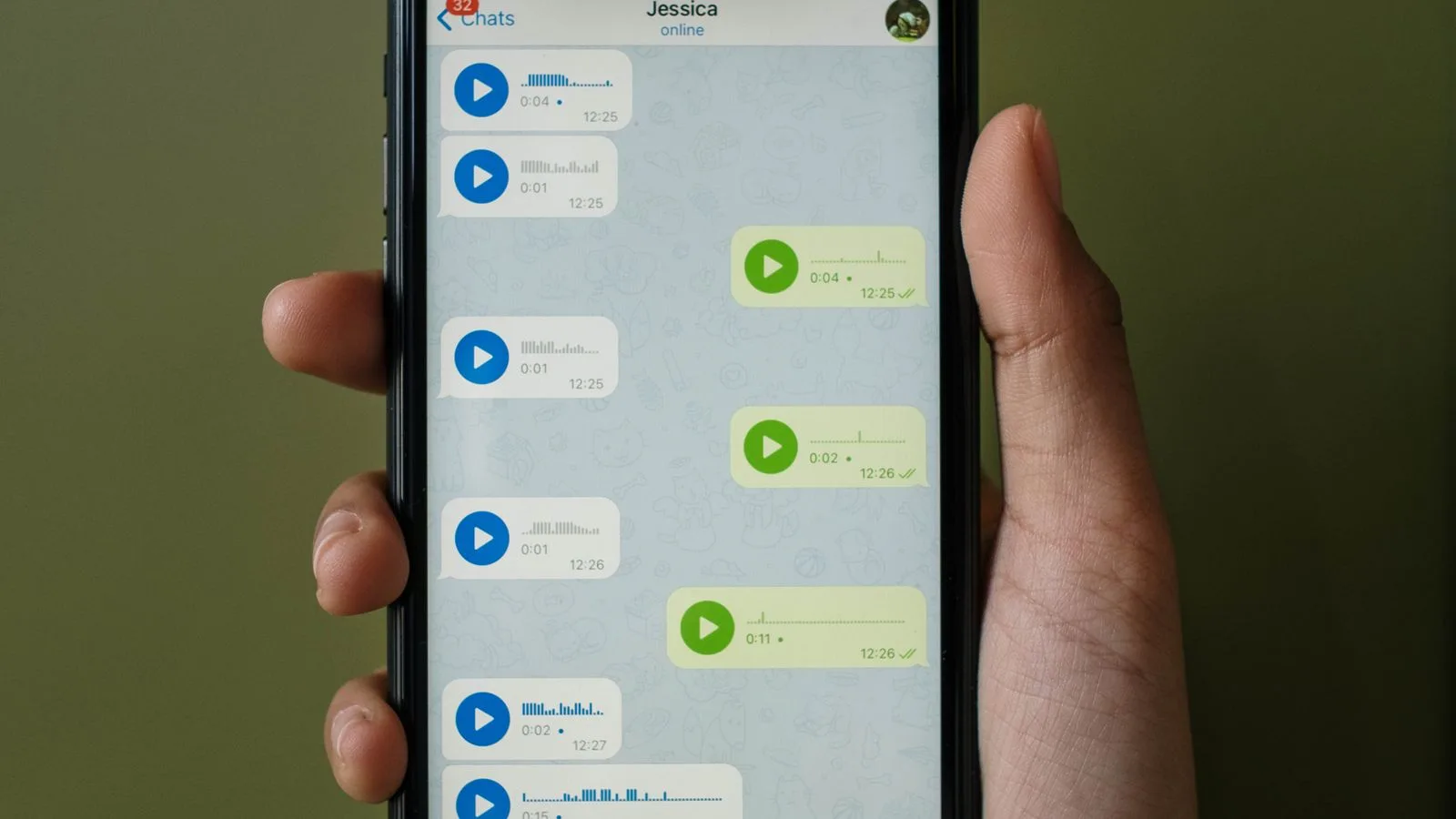
In Istanbul''s wholesale districts of Merter, Laleli and Osmanbey, the real storefront is not the catalog; it is the WhatsApp screen. A buyer opens the phone in the morning, scans images from ten wholesalers and writes the order in two sentences. Winning on that screen depends less on who makes the best product and more on whose image is understood fastest. This article collects the imagery and layout rules of wholesale selling on WhatsApp.
Rule 1: One product, one message
Sending five products in one collage looks efficient, but buyers cannot order from a collage: which product, which code, which price? Give every product its own message: one or two frames and a single info line beneath. The buyer forwards that message directly, quotes it to order, and finds it later by code. A collage breaks all three.
Rule 2: Information below the image, never on it
Codes and prices printed onto the image cause two problems: the buyer cannot forward the image to their own customers (the wholesale price is on it) and cannot upload it to a marketplace (text on images gets rejected). Put the information in the message text: code, pack, colors, fabric, price. Keep the image clean; the buyer forwards the image to customers and keeps the text. This separation is also the basis of the retailer image pack.
Rule 3: Escape the compression trap
WhatsApp compresses images sent as photos noticeably; fabric texture and print detail disappear, and buyers do not order from blurry frames. Two fixes: send the image as a document (no compression, original quality) or prepare a 1600-pixel long-edge, well-compressed webp or jpg before sending. Send documents to buyers who want detail; a prepared 1600-pixel frame is enough for the daily flow.
Use the WhatsApp Business tools
- Catalog: add products with code and price to the business profile; buyers browse the list themselves instead of you sending each one. Keep the image standard identical to your main catalog.
- Quick replies: bind recurring answers like pack info, shipping terms and price list to shortcuts.
- Labels: tag buyers by region, volume and payment status; send the new collection to the right group first.
- Broadcast lists: use broadcast lists instead of groups: buyers do not see each other, and price and customer privacy hold.
Price privacy: keep wholesale prices off the shop window
Wholesale prices must not reach the retailer''s end customers. That is why the price lives in the text, not the image; broadcast lists beat groups; and, where needed, the price list goes as a separate document only to labeled buyers. The price-free image should travel freely in the buyer''s hands; the priced information stays controlled.
Sending rhythm and timing
Buyers check early in the morning and around midday; send the new collection at the start of the workday, in one batch, on regular days. Scattered single images every day become noise on the buyer''s screen and get muted. A predictable calendar, a weekly new-arrivals batch and a month-end clearance list, turns the buyer into someone who waits for you.
Keeping up with imagery: product in the morning, message by noon
The biggest obstacle to WhatsApp selling is image speed: waiting for a shoot when a product enters the warehouse pushes the sale back a week. Shoot the plain frame yourself immediately with a fixed setup (phone photography guide); generate the on-model frame buyers actually want, plus the color options, with an AI virtual model in minutes. The product that arrives in the morning sits on the buyer''s screen at noon, on a model and in every color; while the competitor waits for a studio slot, the orders collect with you.
Quick checklist
- One product, one message; no collages.
- Code, pack, colors, fabric and price in the text below the image.
- Images at 1600 pixels; documents for detail.
- Catalog, quick replies, labels and broadcast lists set up.
- A fixed weekly sending day.
The wholesaler who sells well on WhatsApp is not the one sending the most messages but the one who looks most orderly on the buyer''s screen. Once the order is set, the ordering conversation gets shorter, and shorter conversations turn into more orders.
Frequently Asked Questions
How should product images be sent on WhatsApp?+
One product per message: one or two clean frames with a text line carrying code, pack, colors, fabric and price. Collages and text on images stop buyers from forwarding the image or uploading it to marketplaces.
Why do WhatsApp images arrive blurry?+
WhatsApp compresses images sent as photos. Send the image as a document for detail, or prepare a 1600-pixel, well-compressed frame before sending.
Buyer group or broadcast list?+
Broadcast list. Buyers do not see each other, wholesale prices and customer privacy hold, and labels let you send by region and volume.
How do I get a new product''s imagery out the same day?+
Shoot the plain frame immediately with a fixed setup and generate the on-model frame and color options with an AI virtual model. A product entering the warehouse in the morning is on the buyer''s screen by noon.