Two disappointments haunt every marketplace seller: the image that gets rejected, and the approved image that does not sell. Both trace back to the same place: knowing the platform''s image rules and using the image slots wisely. This guide covers both, using Trendyol, Turkey''s largest fashion marketplace, as the working example; the logic transfers to most platforms.
One note up front: marketplace rules get updated over time. The values here are the common standards as of early 2026; the seller panel''s current guide always has the final word.
The technical rules at a glance
- Size: 1200 x 1800 pixels recommended; 600 x 800 is the accepted floor. The ratio is 3:4 portrait, the fashion standard.
- Format and file: JPEG or PNG; staying under 2 MB per file is the safe zone.
- Image count: up to 8 frames per product. Filling all slots always beats a single frame.
- Main image: plain, light (preferably white) background; the product should fill roughly 85 percent of the frame with no wasted margins.
- Bans: watermarks, logos, phone numbers, campaign text and borders on the main image are rejection triggers; blurry and dark frames get filtered too.
Why images get rejected
Most rejections cluster into five causes: patterned or dark backgrounds on the main image, text and watermarks on the frame, low resolution, the product sitting too small in the frame, and images that do not match the category. The shared cure is keeping the main frame at catalog standard: plain background, clean light, product centered and large.
Use the 8 slots wisely: the recommended layout
- Frame 1: the compliant main image: plain background, sharp, product large.
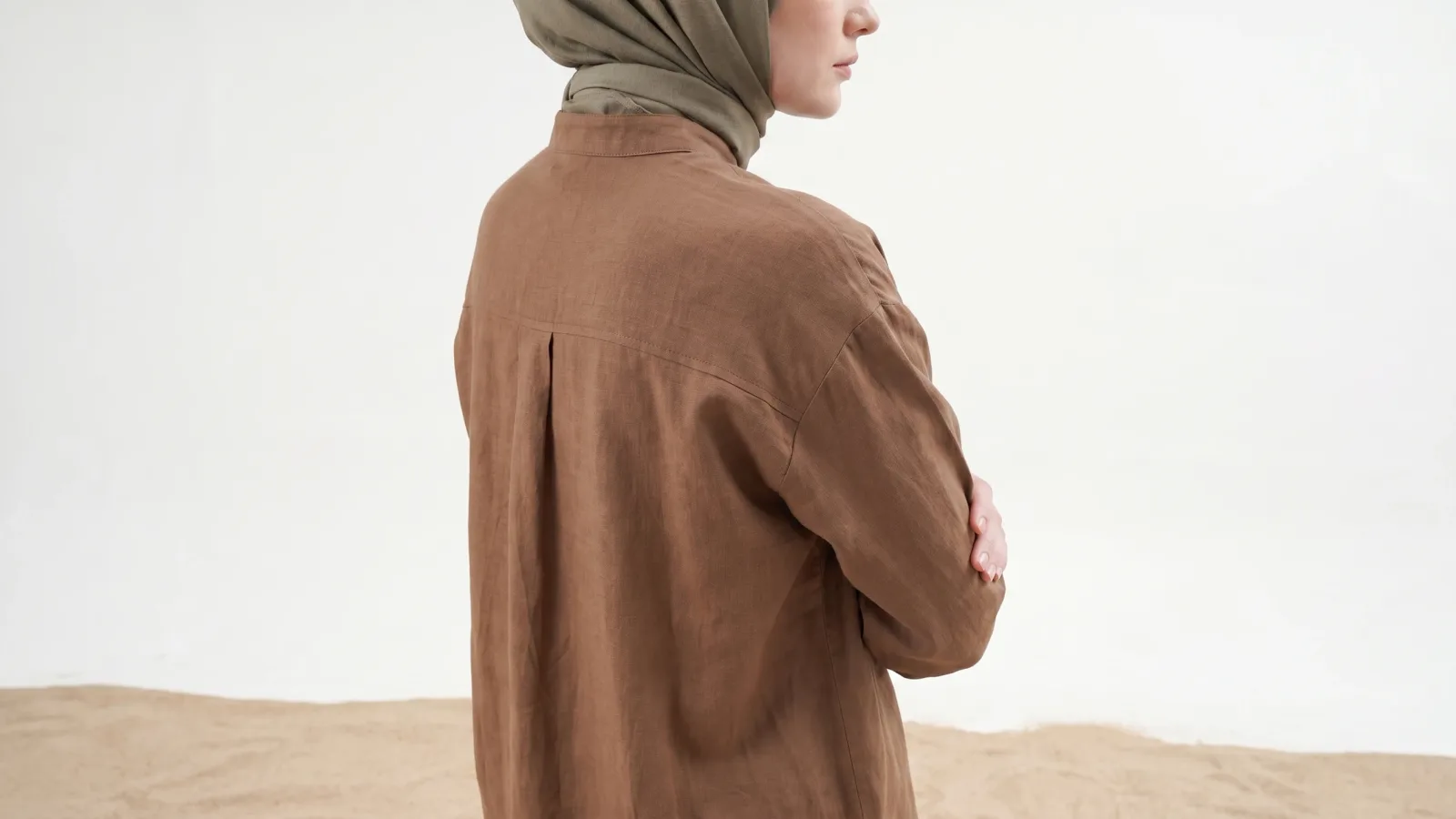
- Frames 2-3: angles: front, side, back. Most return reasons die here.
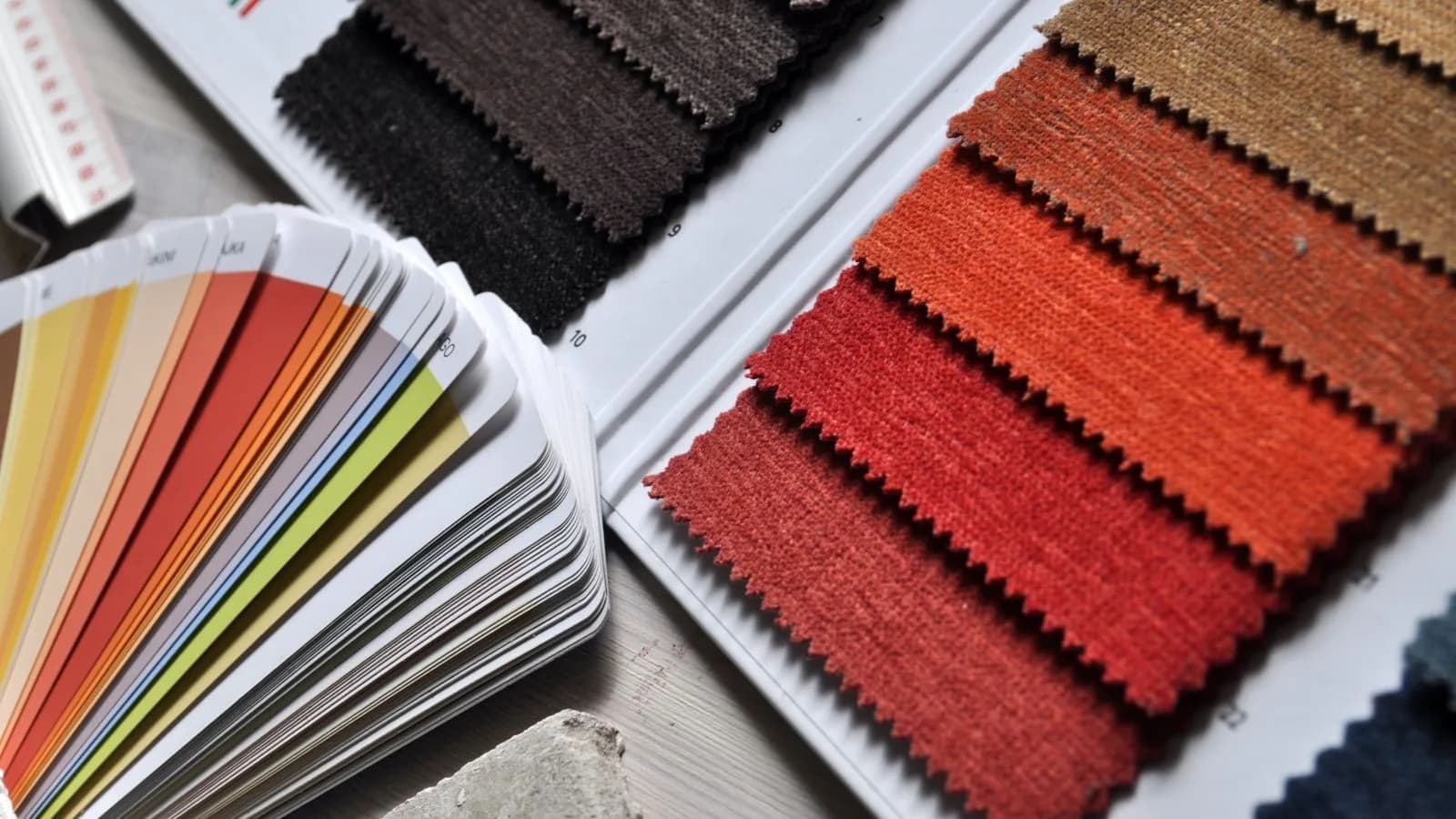
- Frames 4-5: details: fabric texture, stitching, buttons, print close-ups.
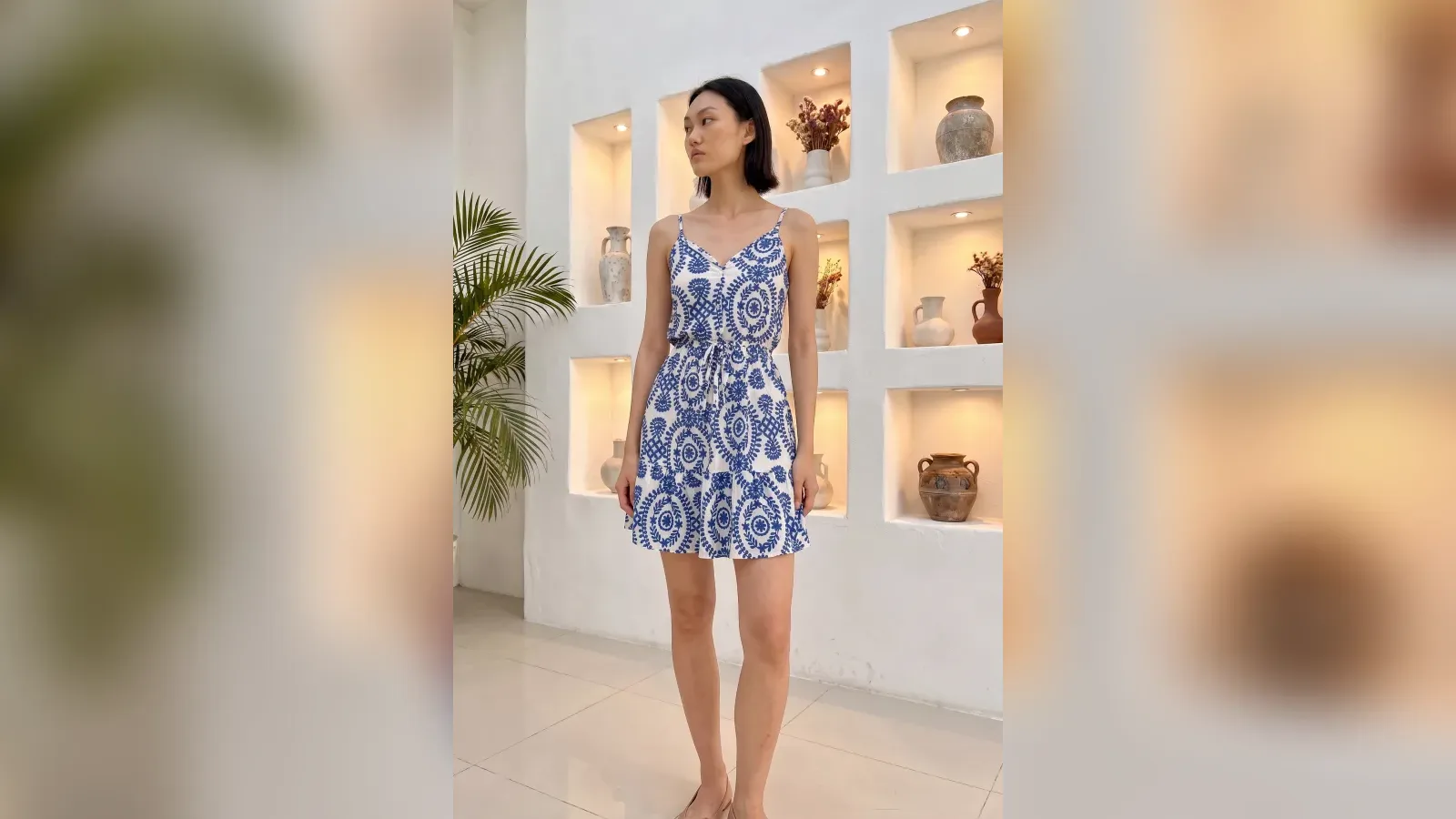
- Frames 6-8: on-model and lifestyle frames: the garment worn, in an outfit. These are the frames that close the sale.
On-model frames are rarely mandatory, but they are the conversion lever: fit, length and drape only read on a body. No model budget? An AI virtual model generates frames 6-8 from your plain packshot in minutes; the full set of options is in our model-free photography guide.
Do not confuse the marketplace with your own store
The marketplace main image wants a plain background; your own storefront sells with atmosphere. Plan two sets per product from the start: compliant frames for the marketplace, scene frames for your channels. The reasoning lives in our scene selection guide; one production run can output both sets.
Image quality moves ranking too
Marketplace ranking feeds on click and conversion signals: a main image that stands out in the list earns the click, a full and convincing gallery earns the conversion, and the two together lift visibility. Treat image rules not as an approval hurdle but as the first link in the sales chain. A listing opened with weak images loses its crucial early-days signal even if fixed later; open with the full gallery from day one.
Pre-publish checklist
- Main image 1200 x 1800, plain background, product at 85 percent of the frame?
- No text, logo or watermark anywhere on it?
- All 8 slots used: angles, details, on-model frames?
- Colors true to the physical product? (Return reason number one; see the image mistakes that cost sales)
- Files under 2 MB and sharp?
The whole rulebook fits one sentence: let the first frame serve the rules and the rest serve the customer. Frame one passes review; the gallery sells.
Frequently Asked Questions
What size should marketplace product images be?+
1200 x 1800 pixels (3:4 portrait) is the recommended standard on Trendyol, with 600 x 800 as the floor; JPEG or PNG under roughly 2 MB per file is the safe zone. Always confirm in the seller panel, as rules update.
Why do marketplace images get rejected?+
The usual causes: patterned or dark backgrounds on the main image, text or watermarks, low resolution, the product too small in the frame, and category mismatch.
Are on-model images required?+
Rarely required, but they drive conversion: fit and drape only read on a body. Sellers without model budgets generate on-model frames with AI virtual models from a plain packshot.
How should the 8 image slots be used?+
One compliant main frame, two angle frames, two detail frames, and three on-model or lifestyle frames. The first frame passes review; the gallery closes the sale.